
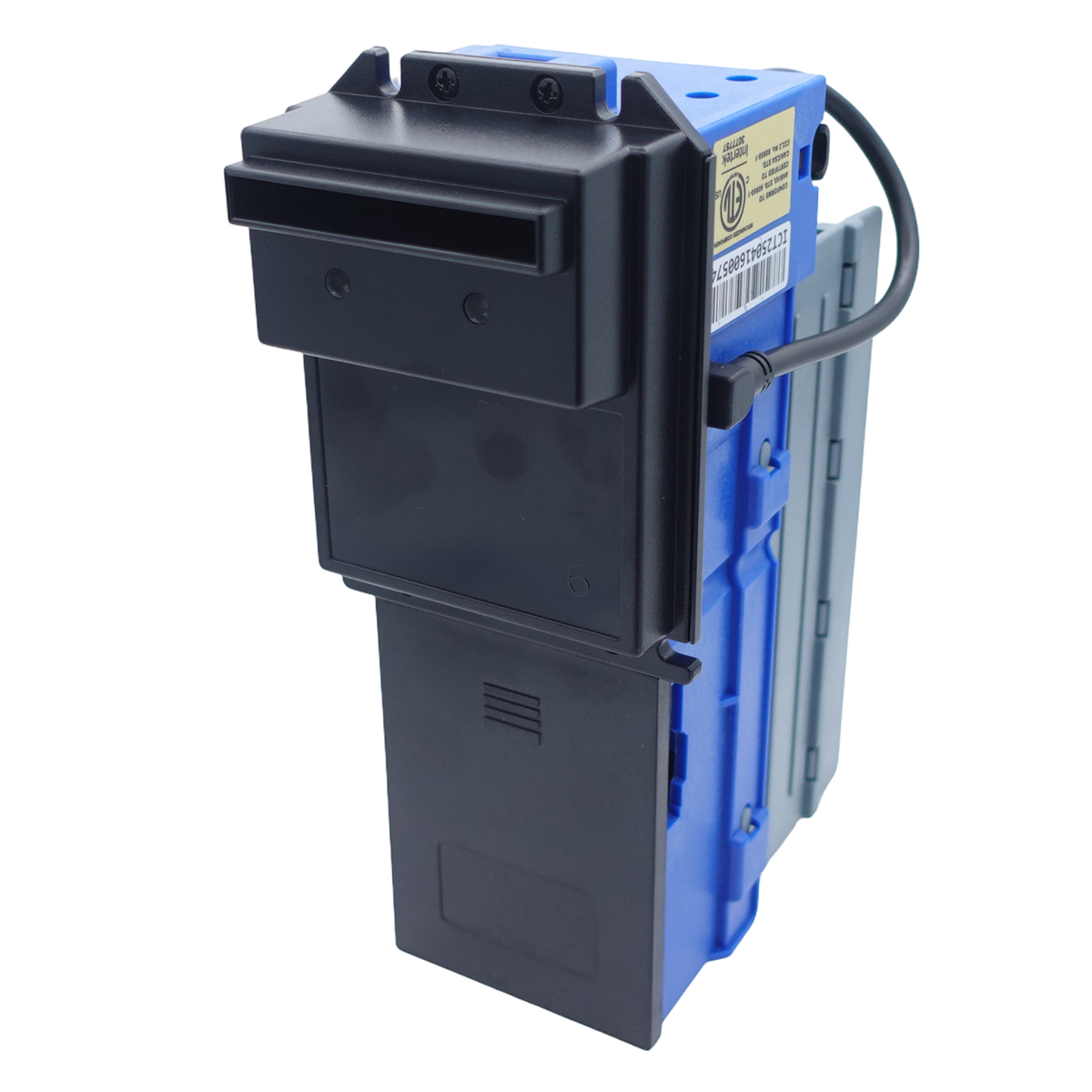
An ICT bill acceptor reports faults with a blinking LED. Choose your model, then choose the flash pattern you see, and the lookup shows the error and the fix. Codes are transcribed from the troubleshooting chapter of each model's official ICT installation guide.
Find your ICT error code
How to count the flashes
- Find the model number on the label of your unit.
- Look at the LED shown for your model in the lookup (front bezel or back LED next to the bill box) and note its colour.
- Count the flashes between pauses. A code like 3+2 means three flashes, a pause, then two flashes. Do not add the groups together.
Want every table on one page? See the full ICT error code reference. If the code comes back after the corrective action, the unit may need parts or a bench repair. Call 877-922-6707 or use the chat on this page.