
E & D Trading • Technical Resources
Understanding the ICT RS232 Bill Acceptor Protocol
A practical reference for serial settings, startup communication, escrow control, status codes, and reset commands.
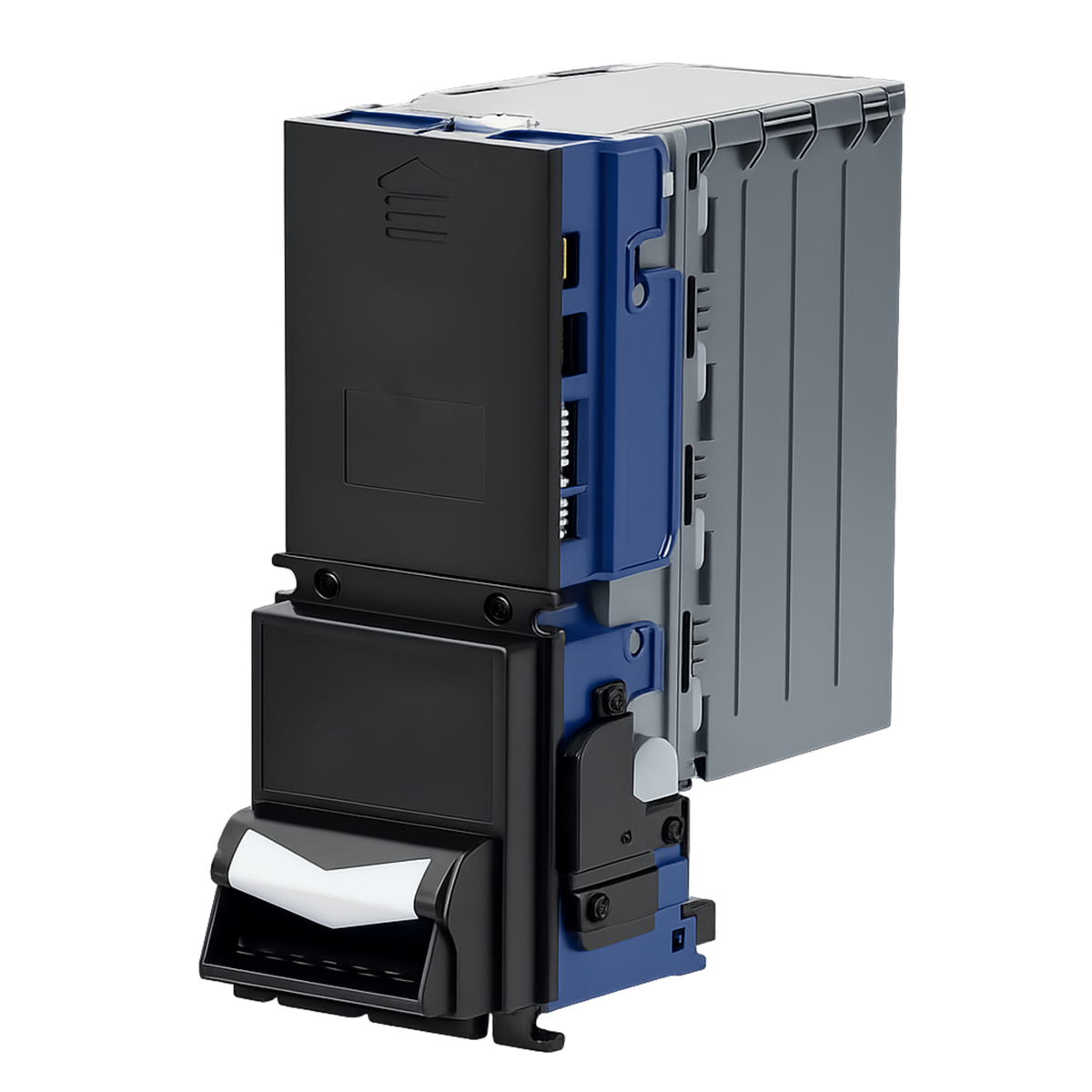
When a bill acceptor communicates with a machine controller, both devices must use the same interface and protocol. The ICT RS232 protocol described here allows a controller to receive bill-validation information, accept or return a bill, request operating status, and enable or disable the validator.
1. Serial Communication Settings
The specification uses full-duplex, asynchronous communication with a request-based connection-control method. Configure the serial connection as follows:
| Setting | Required configuration |
|---|---|
| Baud rate | 9600 |
| Data bits | 8 |
| Parity | Even |
| Stop bits | 1 |
| Start bits | 1 |
| X parameter | None, as listed in the specification |
| Transmission | Full duplex |
Serial format: 9600 baud, 8E1. Command values below are hexadecimal byte values. For example, 0x02 represents one byte with decimal value 2.
ICT WEL-RV706-1 Serial Communication Cable
The ICT WEL-RV706-1 is an RS232 communication cable for ICT protocol systems. It uses a DB9 female connector and an RJ-45 connector to provide data communication between an ICT bill acceptor and compatible equipment.
Use this cable with equipment configured for the ICT RS232 protocol described in this guide. Confirm that your validator and controller have the appropriate interfaces and connector pinouts before ordering.
2. Power-Up Communication
At power-up, the bill acceptor sends 0x80 and 0x8F to the controller. The startup table specifies a controller response of 0x02 within two seconds.
3. Bill Validation and Escrow
Escrow is the stage where a validated bill is held while the controller decides whether to accept it or return it. The bill acceptor first sends 0x81 to indicate validation, followed by a bill-type code.
| Bill-type code | Meaning |
|---|---|
0x40 |
First bill type |
0x41 |
Second bill type |
0x42 |
Third bill type |
0x43 |
Fourth bill type |
0x44 |
Fifth bill type |
These codes identify bill types; the supplied specification does not assign currency denominations to them. Confirm the denomination mapping for your validator's currency configuration and firmware.
Controller Decisions
| Action | Controller command | Documented behavior |
|---|---|---|
| Accept the bill | 0x02 |
The validator reports stacking with 0x10. |
| Reject the bill | 0x0F |
The validator reports rejection with 0x11. |
| Hold in escrow |
0x18 in the command table |
The note states that the bill remains in escrow until an accept or reject command is received, subject to the documented timeout. |
The controller does not need to respond to the stacking or rejection notifications, according to the escrow table.
4. Requesting Validator Status
The controller sends 0x0C to request the bill acceptor's status. The specification lists the following responses:
| Response | Status |
|---|---|
0x20 |
Motor failure |
0x21 |
Checksum error |
0x22 |
Bill jam |
0x23 |
Bill remove |
0x24 |
Stacker open |
0x25 |
Sensor problem |
0x27 |
Bill fish |
0x28 |
Stacker problem |
0x29 |
Bill reject |
0x2A |
Invalid command |
0x2E |
Reserved |
0x2F |
Error-status exclusion response; the document does not further define this condition |
0x3E |
Bill acceptor enabled |
0x5E |
Bill acceptor inhibited |
Version 0.3 removed response 0x26. The specification does not define a polling interval or detailed recovery procedures for individual faults.
5. Enabling and Disabling Bill Acceptance
The controller can change the validator's acceptance state using these commands:
| Controller command | Function |
|---|---|
0x3E |
Enable bill acceptance |
0x5E |
Disable bill acceptance |
Decimal-value correction: The original enable/disable table incorrectly labels 0x5E as decimal 62. Its correct decimal value is 94. 0x3E is decimal 62.
6. Resetting the Bill Acceptor
To request a reset, the controller sends 0x30. The reset section then shows the startup exchange: the validator sends 0x80 and 0x8F, and the controller responds with 0x02 within two seconds.
Before Connecting Your Equipment
- Confirm protocol support: Verify the validator model, firmware, and controller requirements.
- Confirm wiring: Obtain the correct connector pinout and interface requirements for your hardware.
- Match the serial settings: Use 9600 baud, eight data bits, even parity, and one stop bit.
- Verify bill-type mapping: Do not assume that the first bill type represents a particular denomination.
- Resolve escrow discrepancies: Confirm the hold command and timeout values before programming the controller.
- Test the complete transaction: Verify startup, acceptance, rejection, inhibition, status reporting, and reset behavior on the intended equipment.